NEZT CLI
Next & Nuxt EaZy Templates
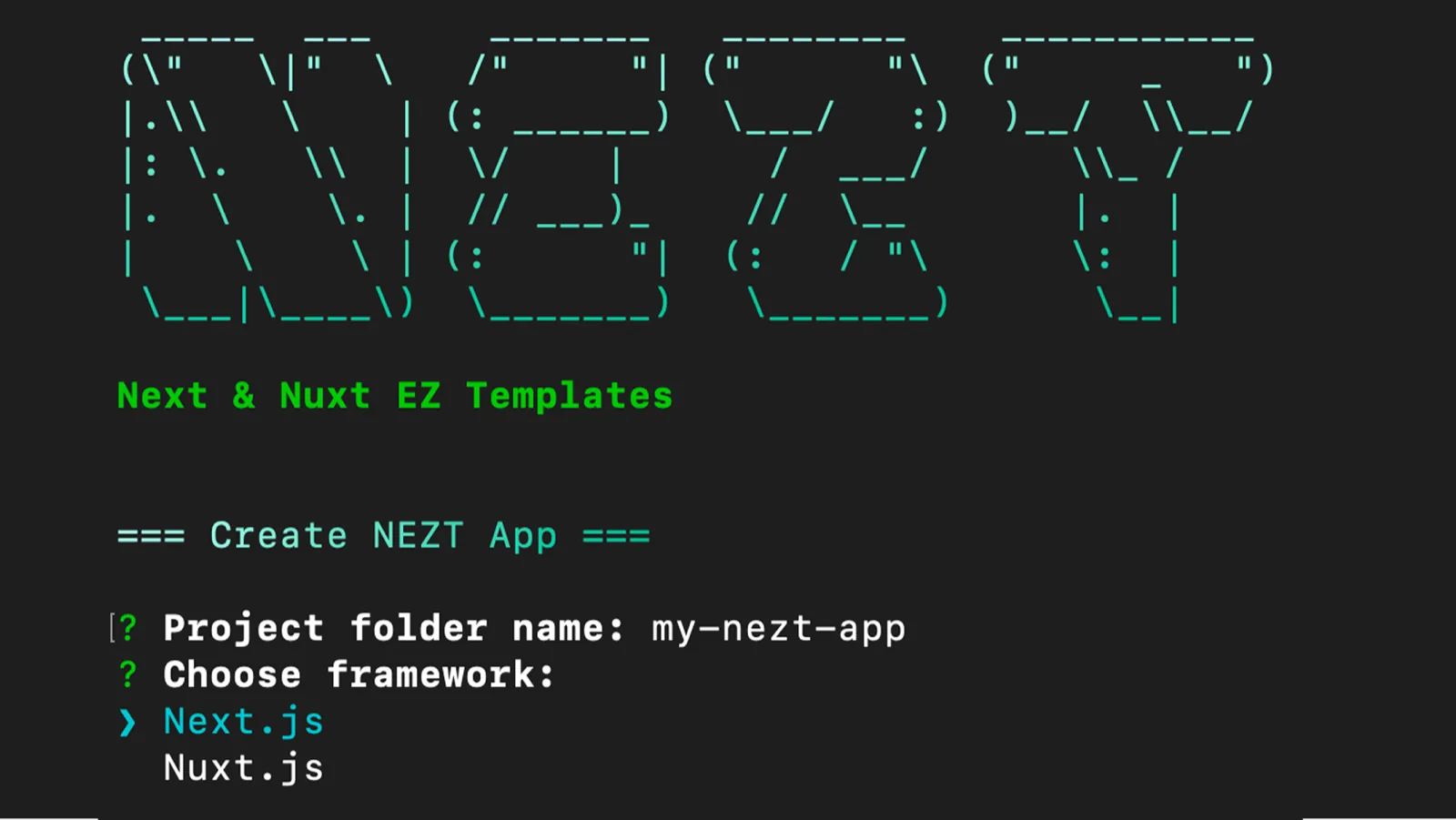
Scaffold fully configured Next.js and Nuxt.js projects with routing, themes, and pages in minutes.
Key Highlights
- ◆Interactive CLI prompts for project configuration
- ◆Pre-built page templates (Home, About, Blog, Contact, Pricing, Custom)
- ◆Light / Dark mode support out of the box
- ◆Black / White theme selection at scaffold time
- ◆Published on npm - install globally or use npx
Overview
NEZT CLI is a cross-framework scaffolding tool for Next.js and Nuxt.js, designed to bootstrap production-ready frontend projects in minutes. Generates opinionated starter templates with routing, layouts, SEO foundations, theming, and UI scaffolding through a single guided CLI flow - eliminating repetitive setup so teams can start building immediately.
Features
- –✔︎ Scaffold Next.js or Nuxt.js projects with ready-to-use structure
- –✔︎ Static (frontend-only) project generation
- –✔︎ Built-in routing and page templates
- –✔︎ Preconfigured layout with navbar
- –✔︎ Light / Dark mode support
- –✔︎ Theme option: Black / White
- –✔︎ Select static pages: Home, About, Blog, Contact, Pricing, Custom
- –⨯ Dynamic projects (CMS-driven) - planned
- –⨯ Database, ORM, and auth integration - planned
- –⨯ Additional theme colors: Orange, Rose, Violet, Yellow - planned
Installation & Setup
Install globally via npm
npm install -g nezt-cliOr run instantly via npx (no install needed)
npx nezt-cli create-appCreate a new project
nezt create-app
# Interactive prompts:
# 1. Project name
# 2. Framework (Next.js / Nuxt.js)
# 3. Project type (Static / Dynamic)
# 4. Theme color (Black / White)
# 5. Pages to include
Usage
Available CLI commands:
nezt create-app        # Create a new project
nezt -v, --version    # Show CLI version
nezt -h, --help       # Show help
Related Projects
Dataset Translator
CLI tool for translating English text datasets into Burmese using the Gemini API with safe batch processing.
View project →Burmese Quote Generator
CLI tool to generate emotion-tagged Burmese quotes using the Gemini API in TXT or CSV format.
View project →Valentine Love Letter Generator
A fun web app that generates personalized love letters for Valentine's Day 2026.
View project →